How to tell if an Anker magnetic battery is charging?
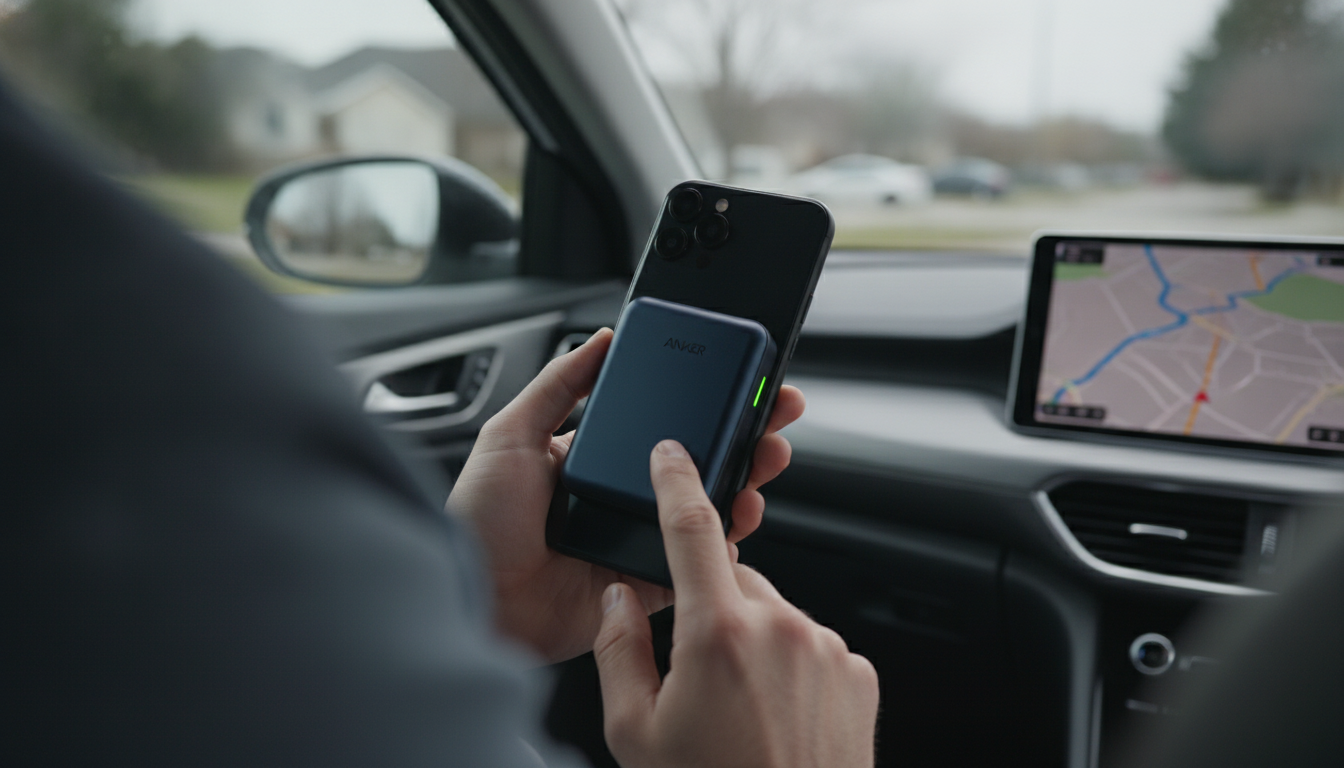
Anker magnetic batteries typically show charging status through LED indicators and (on some models) your iPhone’s battery widget. To confirm it’s charging, start with the simplest checks: the LEDs, the cable/charger connection, and whether the phone recognizes the accessory.
Check the LED indicators on the battery pack
Most Anker magnetic battery packs use small LEDs to communicate what’s happening. When the pack is plugged in and charging, you’ll usually see LEDs light up or animate to indicate incoming power. When the pack is actively supplying power to your phone, LEDs may stay on steadily or change behavior depending on the model. If no lights appear at all, the pack may be empty, the cable/adapter may not be providing power, or the pack may be in a protection state.
Confirm the wall charger and cable are actually delivering power
Connect the Anker pack to a known-good USB-C charger and cable. If the LEDs don’t change after a few seconds, try a different wall adapter (preferably one that supports Power Delivery) and a different cable. A weak adapter or damaged cable can make it look like the battery isn’t charging even when it’s properly aligned to the phone.
Look for iPhone charging confirmation (when supported)
On MagSafe-compatible iPhones, a properly aligned magnetic battery may trigger an on-screen charging animation and may also appear in the Batteries widget. If the phone shows it’s charging but the pack LEDs don’t change, the pack could be discharging into the phone rather than charging itself (or the LED behavior may differ by model).
Test alignment and remove common blockers
Thick cases, metal plates, and misalignment can prevent a stable magnetic connection. Re-seat the pack centered on the phone’s charging coil area. If charging becomes intermittent, remove the case and test again.
For model-specific LED patterns and deeper troubleshooting steps, visit https://ellixuro.com/how-to-tell-if-an-anker-magnetic-battery-is-charging/.
FAQ
Why is my Anker magnetic battery blinking?
Blinking lights commonly indicate the pack is charging, has a low battery level, or is detecting an issue like poor alignment or an incompatible charging setup. Try a different cable/adapter and re-seat the pack on the phone to see if the blinking pattern changes.
Recommended for you











Leave a comment